Drop 3 screenshots.
Get all 17 store assets.
Runs in your browser, so your screens are never uploaded. $9 once.
Start creating, preview free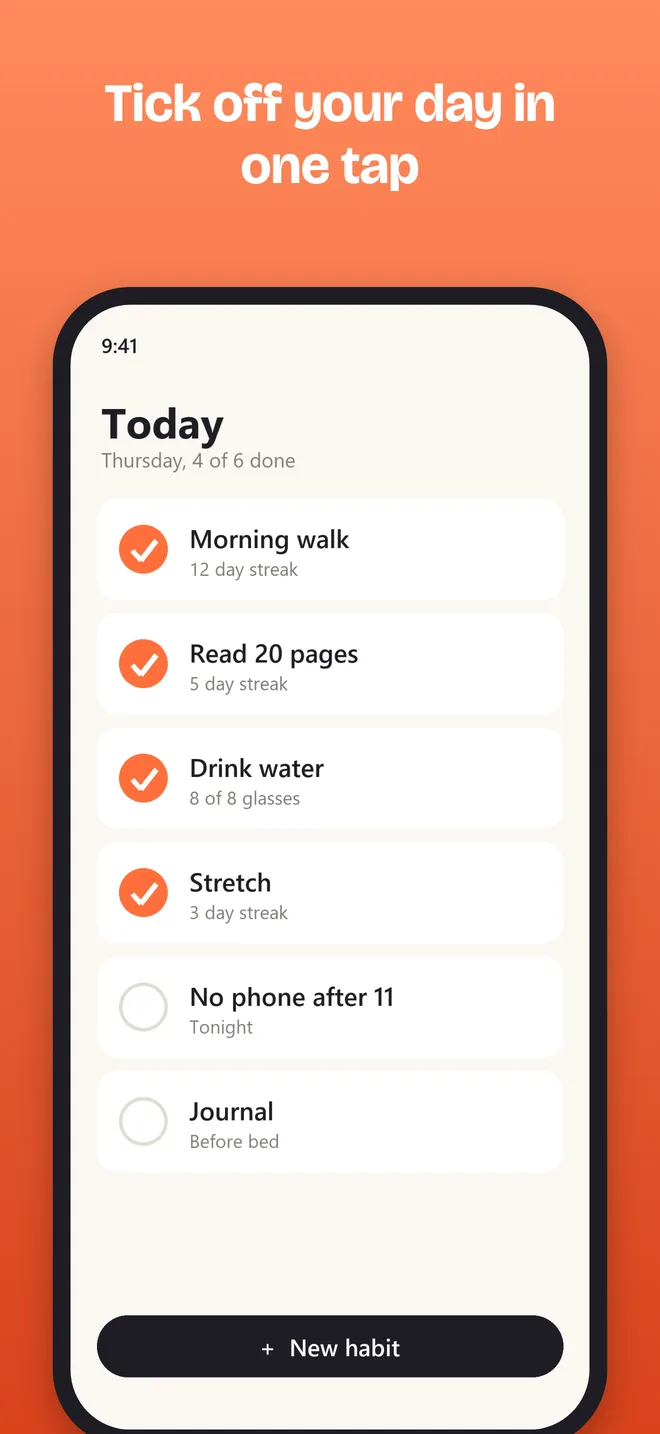
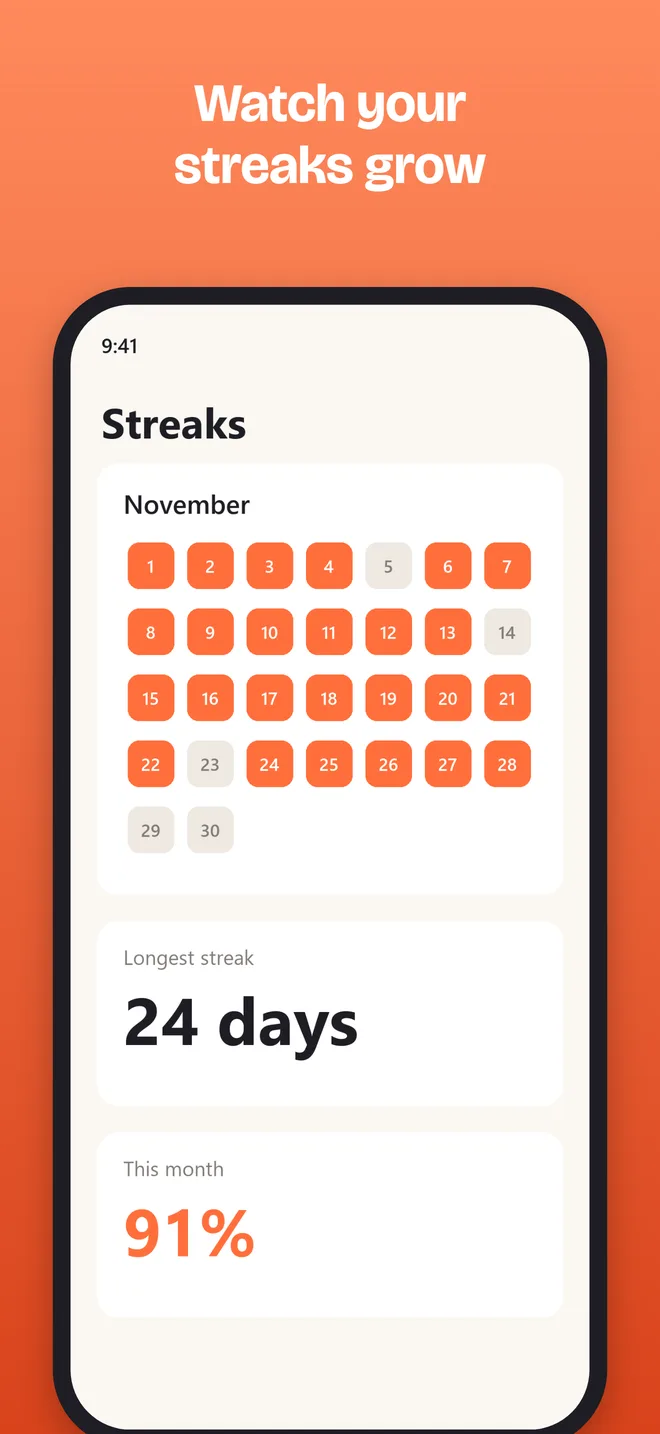
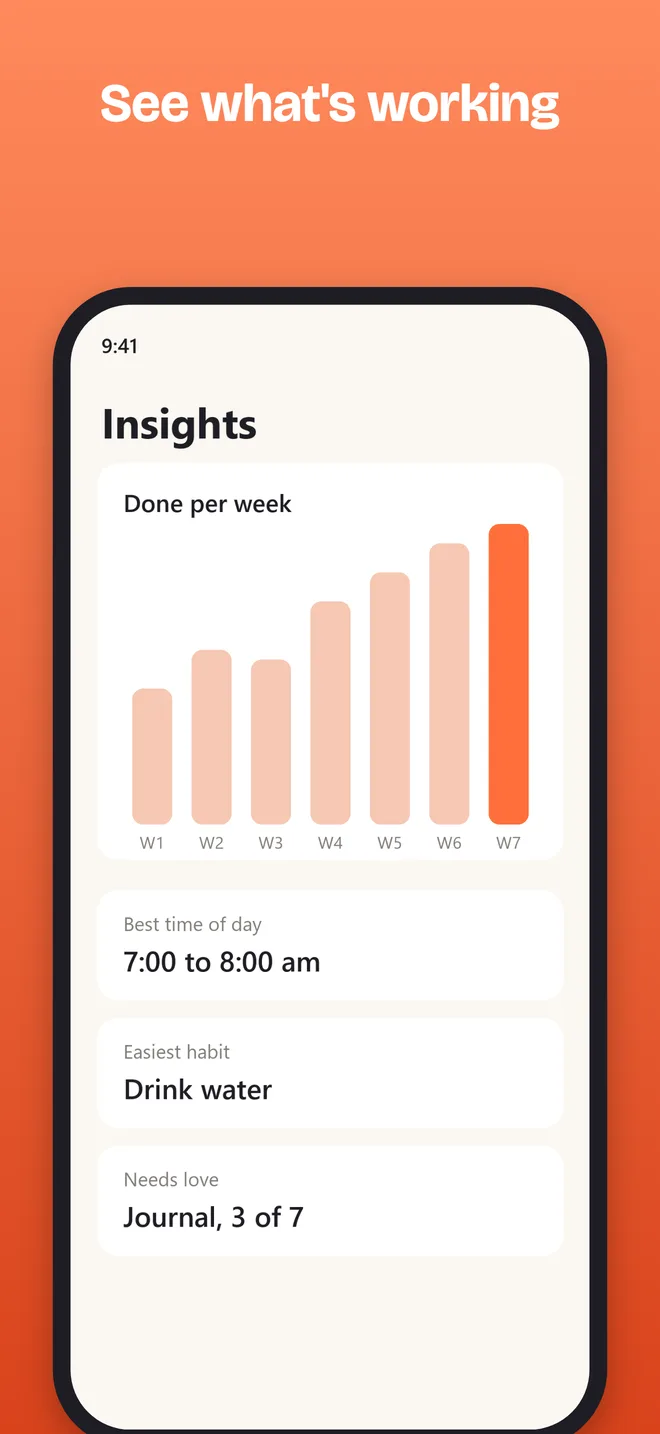
One ZIP, ready to upload
 3 + 3 App Store iPhone 6.9″ and 6.5″
- 10803 Google Play phone screenshots
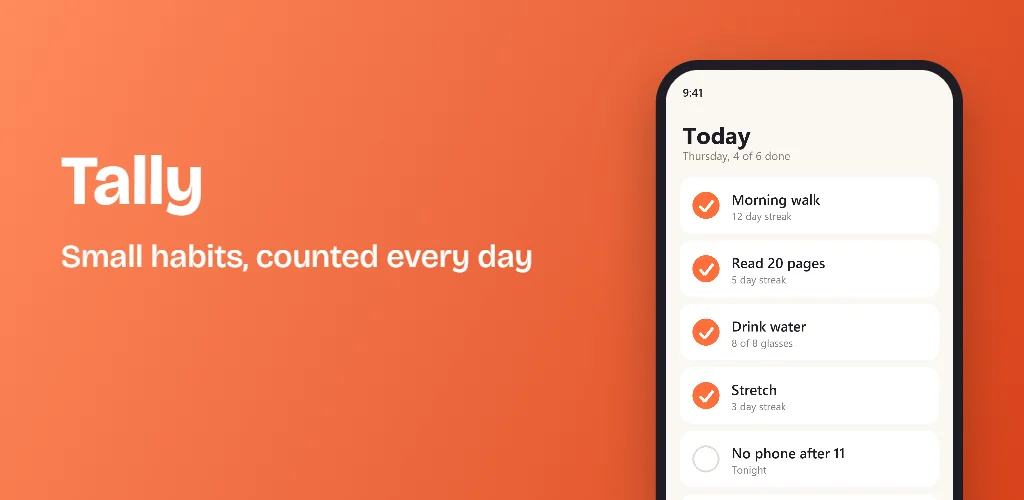
- 10241 Play feature graphic, 1024 × 500
- 77 icons: App Store 1024, Play 512, Android launcher
Example made in ShipPack from a made-up habit app.
How it works
- Drop your screenshots. Up to 3 raw screens straight from your phone or simulator.
- Write a caption for each. Pick two background colours, a text colour and a frame colour.
- Download the ZIP. Every file is sized for its store and saved without transparency, so uploads are not rejected.
$9, once
Preview everything for free. Pay when you download. No subscription, no account.
Questions
Are my screenshots uploaded anywhere?
No. Rendering and the ZIP both happen in this browser tab. Close the tab and they are gone.
Which store sizes are included?
App Store iPhone 6.9″ (1320 × 2868) and 6.5″ (1242 × 2688), Google Play phone (1080 × 1920), the Play feature graphic (1024 × 500), and icons at 1024, 512 and the five Android launcher sizes.
Do you use Apple or Google device images?
No. The phone frame is a plain rounded device drawn in code, so it is safe to use in any listing.